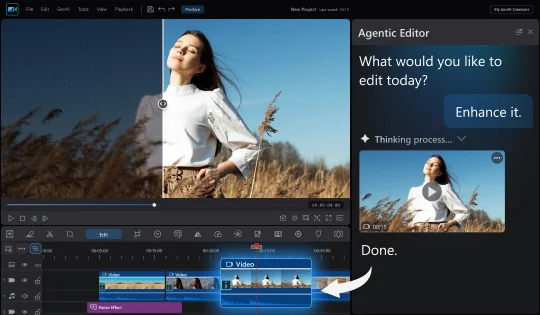
Agentic Editor Panel
Ask the Agent to edit a selected clip, source file, or dropped-in media without leaving the timeline, while you keep editing and the result goes straight back to your timeline or library.




Powerful Video Editing

Our latest releases including brand new features, effects packs, templates & more!
Ask the Agent to edit a selected clip, source file, or dropped-in media without leaving the timeline, while you keep editing and the result goes straight back to your timeline or library.
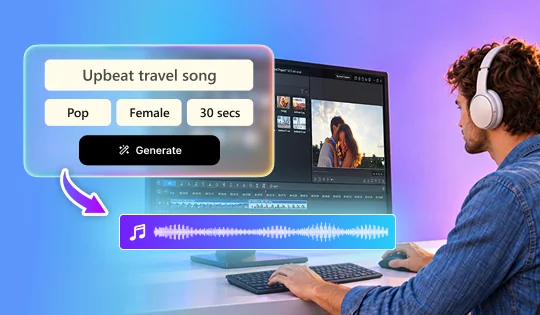
Create a song for your video from your own lyrics or an idea, with your choice of style, singer, and length.
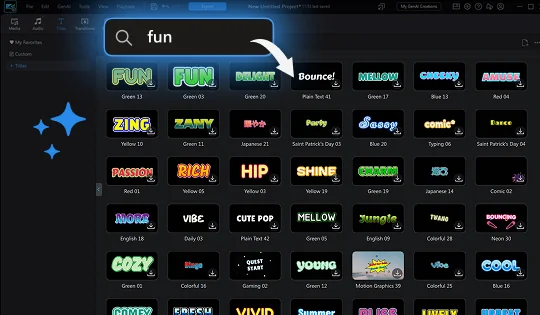
Describe the look or mood you want, like handwritten, neon, or fun, and AI finds matching title templates.
Wan 3.0 and Gemini Omni 1.1 for edits that land closer to the look you describe.
Added Vidu Q4, giving you another model to choose from when you turn photos into video.
Choose the output resolution for each AI Image to Video and Text to Video generation to balance quality against speed.
Stories can now be as short as 15 seconds, so far fewer photos and clips are needed to make one.
A new plus button on the preview thumbnail adds whatever you are previewing straight to the timeline.
16 video effects across Light, Split, and Halloween, 19 PiP entrance animations, and 30 video effects that come with their own sound.
Now supports Ukrainian, Romanian, Czech, Hungarian, and Malay.
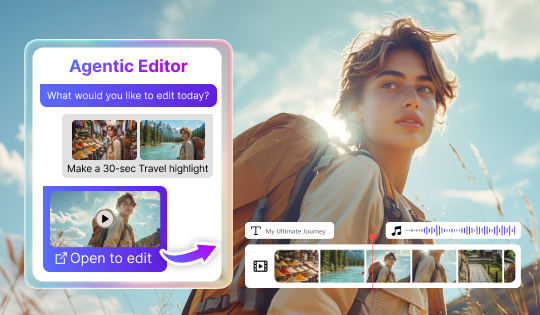
Work with multiple files at once and describe complex edits in plain language. Results go to the timeline so you can keep refining them.
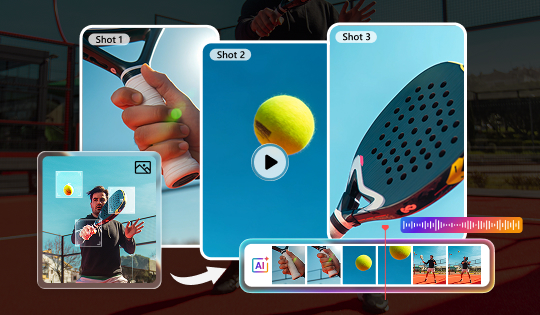
Turn a single photo into a short video. Pick a cinematic style and AI adds camera movement, natural sound, and matching background music.
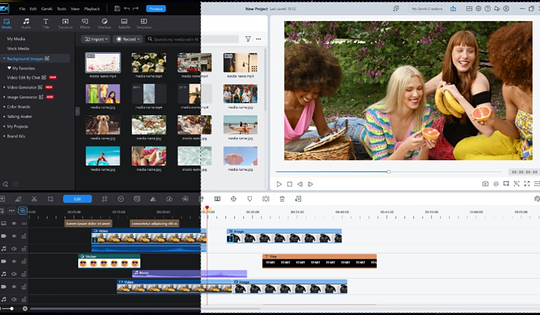
Choose the appearance that suits your workspace and editing environment.
Added Wan 3.0, Seedance 2.0, Seedance 2.0 Fast, Seedance 2.0 Mini, Seedance 2.5, Gemini Omni, and Gemini Omni 1.1. Generate realistic movement, with Seedance 2.5 supporting clips up to 30 seconds.
Added Wan 3.0, Seedance 2.0 Fast, Seedance 2.0 Mini, Seedance 2.5, Gemini Omni, and Gemini Omni 1.1. Create natural movement with stronger prompt understanding, with Seedance 2.5 supporting clips up to 30 seconds.
Added Wan 3.0, Seedance 2.0, Seedance 2.5, and Gemini 1.1 for more precise, prompt-based video edits.
Try SCAIL-2, which holds character details steady through complex motion and supports both photo and video backgrounds.
Added Kling Omni 3.0 and Seedream 5.0 Pro for richer details and more polished image generation.
Set your own clip length for AI Image-to-Video and Text-to-Video generation.
Now supports Swedish, Danish, Norwegian, and Finnish.
Refined narration speed for voice cloning.
Publish AI-generated work with the disclosure it needs. Every export carries machine-readable provenance, what was generated, by which tool, and when, plus a visible AI label you can switch on at export.
New Highlight and Light video effects, plus new title animations.
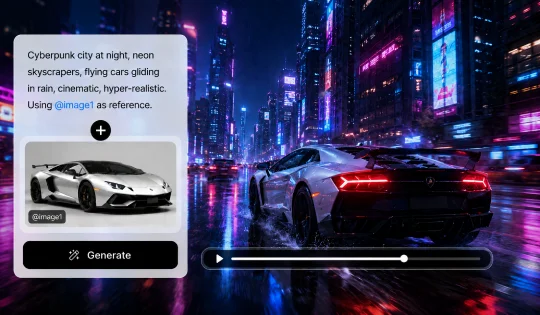
Get exactly the video you pictured. Drop in a reference image to guide the style.
More Themes: Now includes: Daily Life, Travel, Pets, Memories, Events and Product
New AI model support for Happy Horse 1.1, delivering smoother motion, stronger character consistency, and tighter audio sync.
Now supports Thai, Hindi, Vietnamese, and Russian.
Filipino creators, welcome!
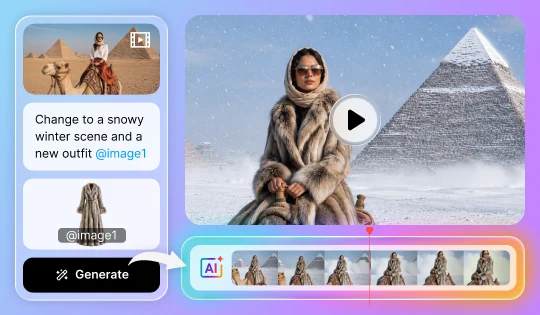
Now even more ways to direct your look. Drop in a reference photo and keep chatting until every detail is right.
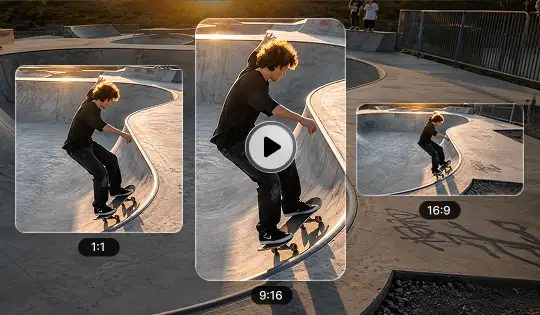
Your whole project, done at once. Apply it to all your clips in one step, spotlighting what matters most in your frame for every platform.
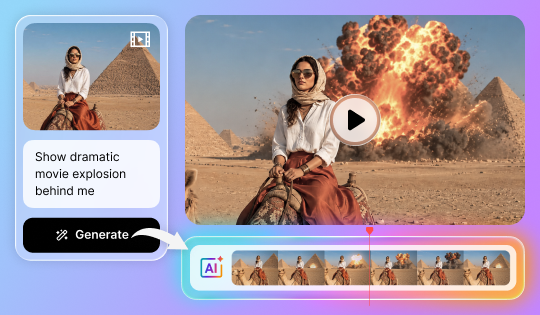
Turn simple prompts into powerful edits. Upload your video, describe the changes you want, and let AI instantly transform your footage into a whole new look or style.
Transform images into high-motion videos with native audio sync using Happy Horse 1.0.
Generate high-quality videos from text prompts with superior motion quality and multilingual lip sync using Happy Horse 1.0.
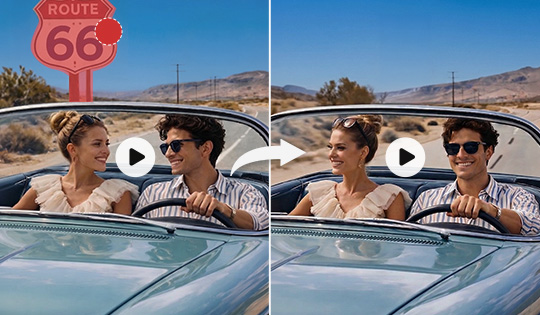
Remove unwanted people or objects from your footage instantly, even in complex scenes. Keep every moment clean, natural, and distraction-free without disrupting the flow of your video.
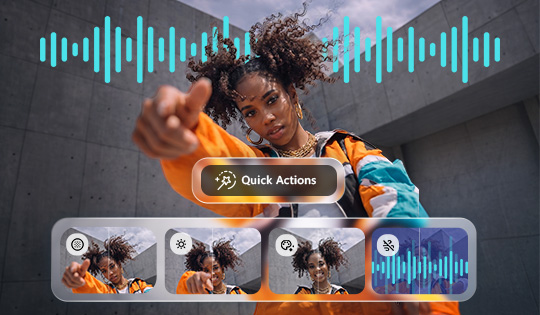
Enhance your video quality with AI that understands your footage and applies the right adjustments to improve lighting, color, audio, and more for clean, natural, and polished results.
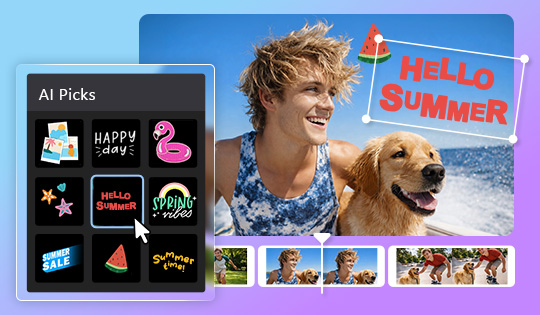
Get sticker suggestions instantly based on your scene, making it easy to find the perfect visual accents without manual searching.
Discover a soundtrack in seconds. Describe your idea, and AI instantly recommends music that matches your vision.
Transform concepts into visuals with the latest AI models: Nano Banana 2, Seedream 5.0, and GPT Image 2.
Transform images into cinematic clips with the latest AI models, including Wan 2.7 and Pixverse 6.0.
Transform concepts into animated visuals with the latest AI models, including Wan 2.7, Seedance 2.0, and Pixverse 6.0.
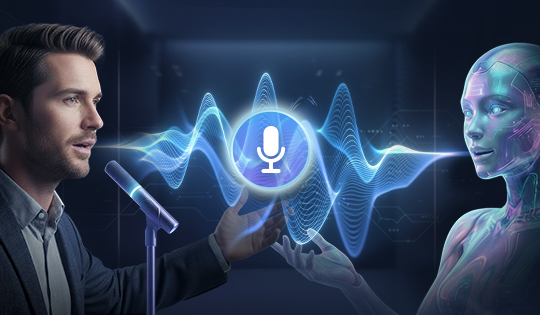
Bring your stories to life with voice cloning now available across AI Storytelling, Talking Avatar, and Text to Speech for truly personal, on-brand narration.
Bring your characters to life with natural, full-body movement and lifelike gestures synced seamlessly with speech. With voice cloning, your avatar can deliver your message in your voice across multiple languages for a more consistent and engaging global presence.
Find the perfect sticker instantly with natural language search. AI understands what you’re looking for and provides the most relevant stickers every time.
Preview transitions with your own footage in real time before applying them, making it easier to choose the effect that fits best.
Create images your way with new AI models: Flux.2 Pro, GPT Image1.5, and Z-Image. Each offers unique strengths in realism, style, and detail.
Generate compelling videos from text using expanded AI models, including Kling 3.
Image to Video now supports Kling 3.
Generate compelling videos from text or images with expanded AI models including Vidu Q3.
Edit HEVC 10-bit 4:2:2 footage with full hardware and software decode support for smoother playback, improved color accuracy, and a more stable editing workflow.
Transform text into story-driven videos with expanded AI model support, including Kling 2.6, Vidu Q2, and Sora-2, all from a single interface.
Image to Video now supports Kling 2.6 and Vidu Q2, enabling smoother motion, clearer subject movement, and more coherent video generation.
Boost video quality with enhanced frame interpolation and super-resolution upscaling for smoother, clearer results.
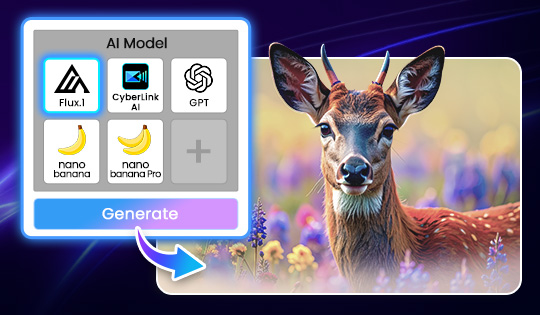
Generate images from text using leading AI models like Nano Banana, GPT Image, FLUX, and more. Choose the AI model that delivers the exact look, detail, or style you need without leaving your workflow.
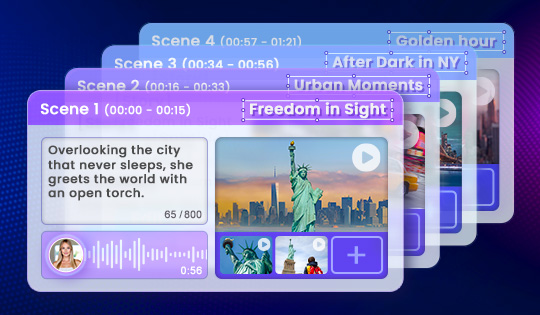
Create videos through text-driven storytelling. Define structure and pacing, while AI transforms your direction into an expressive video, complete with AI voiceover.
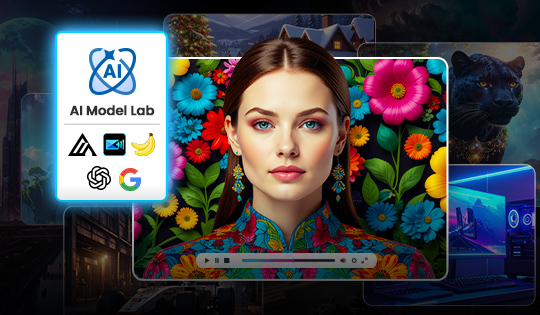
Access the latest third-party AI models in one centralized hub. Experiment with new AI-powered features as soon as they’re released and stay current as AI models continue to evolve.
Turn still images into dynamic motion with advanced AI models such as Runway Gen-4 and Sora-2. Pick the model that matches your creative goal directly from a single control in your editing window, and watch your ideas move effortlessly.
Achieve cleaner edges and more precise details, especially around hair, contours, and detailed elements, for a more natural result.
Bring out richer colors and deeper contrast with HEVC (H.265) 10-bit 4:2:0 HDR editing. Supports Rec. 2100 HLG/PQ and iPhone HDR images for stunning lifelike results.
